Frame-accurate TikTok editing,rebuilt for the browser.
Inspect, trim, and export TikTok videos at frame level with timestamp verification. Completely free, no usage limits.
Drop an MP4, or pick a file
Built different.
01
Frame stepping
Move forward or back one frame. Each frame shows its timestamp.
02
Timestamp verification
Every frame is checked against the video's own presentation timestamps. Nothing is skipped.
03
Split, trim, and export
Cut on exact frames. Export stills or clips, with the audio kept or muted. All in one page.
04
Local processing
Decoding and editing directly in your browser. No servers, no limits.
In the editor.
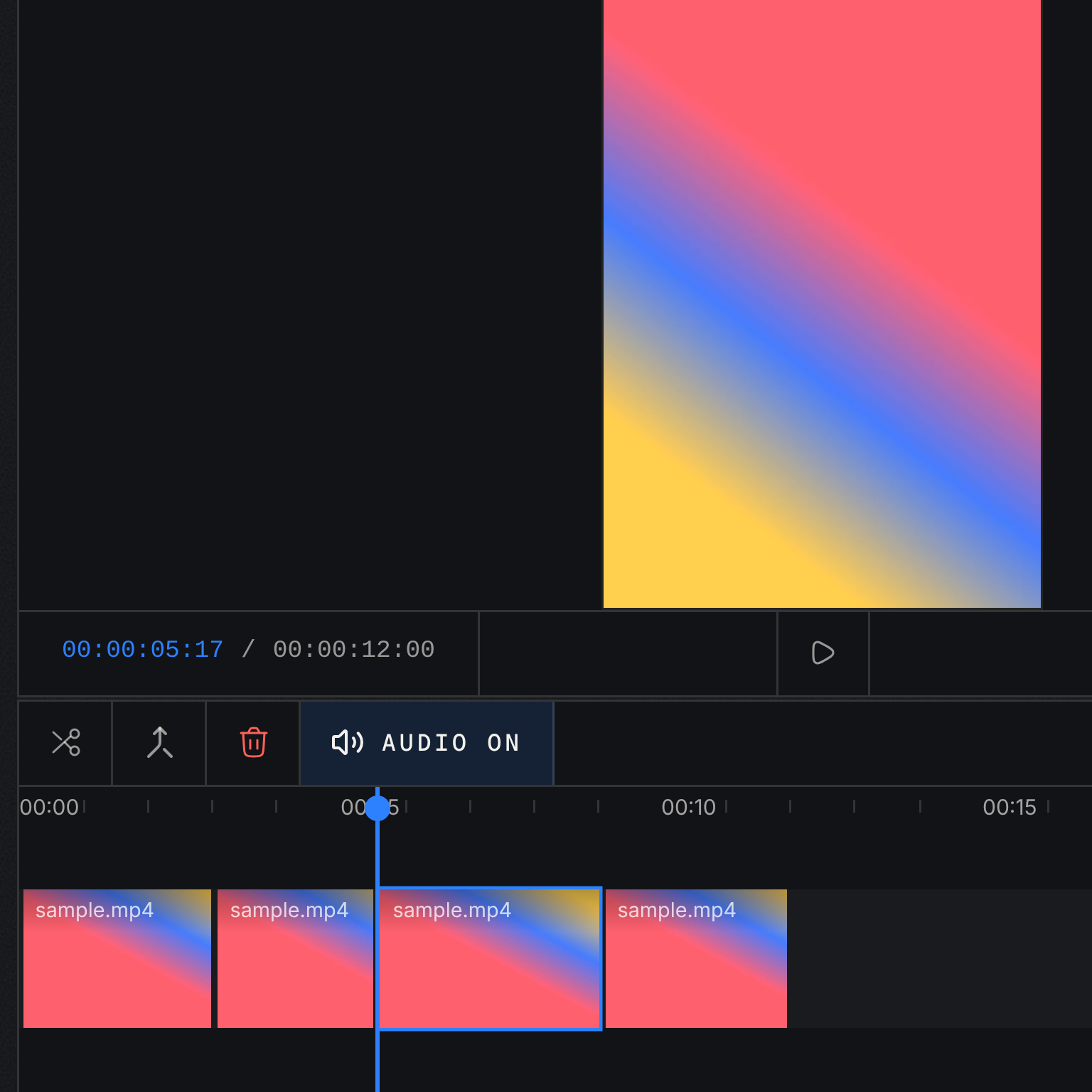
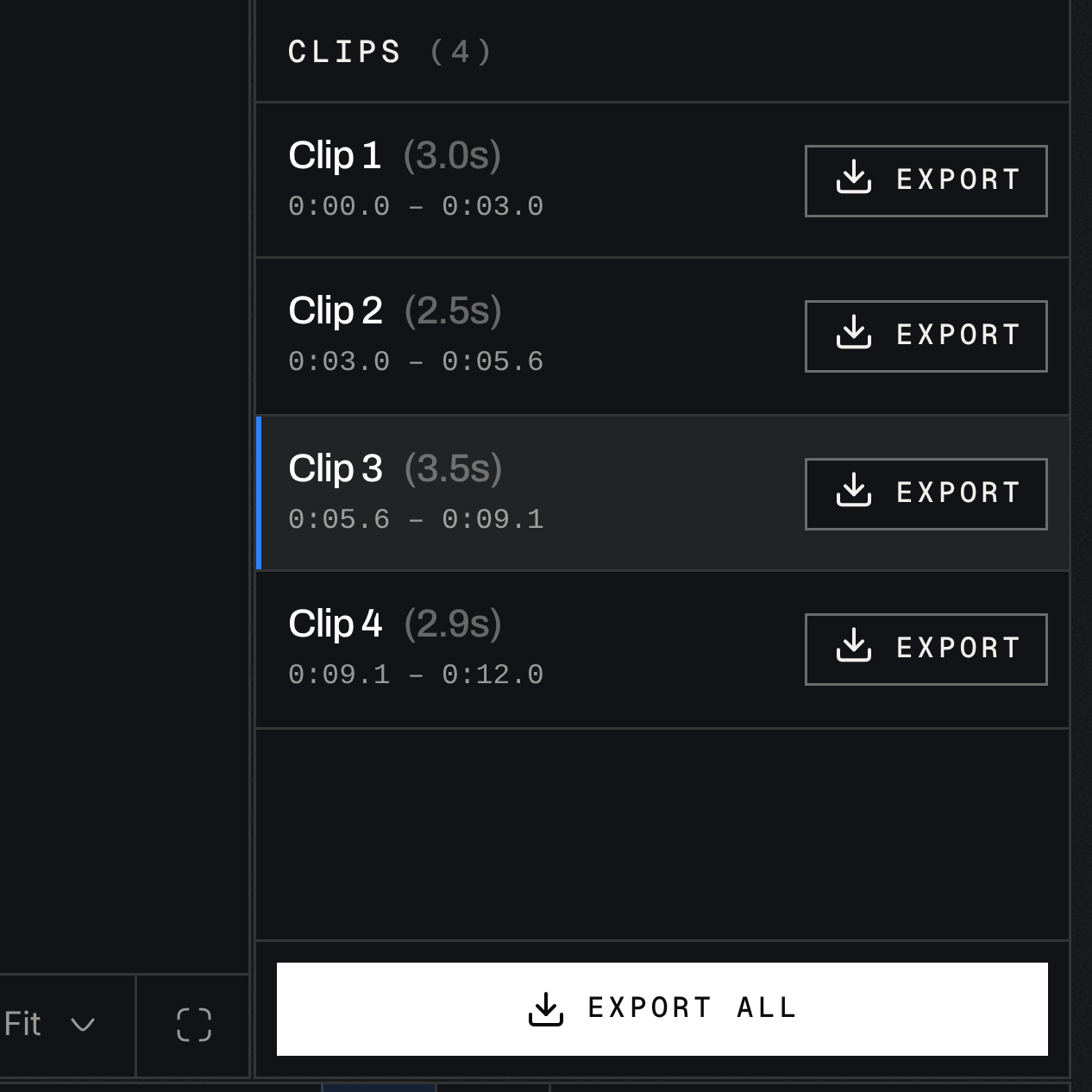
Exact cuts, fast.
01
Paste
Paste a TikTok link or drop an MP4.
02
Step
Scrub frame by frame. Mark your cuts.
03
Export
Directly download frames or clips.
$0
No tiers, no trial, no account.
Actually free.
Common questions.
01
Is ./frames really free?
Yes. There are no tiers, no trial, no usage limits and no account.
02
Are my videos uploaded anywhere?
No. Decoding, editing and export run in your browser. For a TikTok link, our server only resolves and fetches the video so the editor can open it; for a file you drop in, nothing leaves your device.
03
What does timestamp verification mean?
Every frame is checked against the video's own presentation timestamps, so no frame is skipped or duplicated when you step, cut or export.
04
What can I export?
Single frames as stills, or clips cut on exact frames, with the audio kept or muted.
05
Which videos can I edit?
Paste a TikTok link or drop an MP4 file.